
Strong 8K App & 8K IPTV Player
Download the Strong 8K app (8K Pro) or set up a compatible IPTV player on your device. This guide covers the Downloader code, the 8K IPTV player APK, installation on every device, login methods and fixes for common problems.
Quick answer: The Strong 8K app is the 8K Pro IPTV player used to watch your Strong 8K subscription. On Firestick or Android TV, install Downloader, enter code 1646512, install the 8K IPTV player APK, then sign in with your Xtream Codes or M3U details. On Samsung, LG, iPhone and Windows, use a compatible IPTV player from your device’s app store.
Download Strong 8K App
Strong 8K can be accessed through the 8K Pro app or other compatible IPTV players, depending on your device and available setup method. Choose the download option that matches your device.
Downloader Code
For Firestick, Fire TV and Android TV. Open the Downloader app and enter code 1646512 to download the 8K Pro app.
8K IPTV Player APK
The 8K Pro app is supplied as an APK file for Android devices. The Downloader code fetches the latest 8K IPTV player APK for you, so there is no need to hunt for it on other websites.
App Store IPTV Players
For Samsung, LG, iPhone, iPad, Apple TV and Windows, install a compatible IPTV player from the official store and add your Strong 8K login details.
What Is the Strong 8K Player?
The Strong 8K player is the app you use to watch your Strong 8K IPTV subscription. The subscription gives you access to live TV, sports, movies and series. The 8K player is the software that loads them on your screen.
The official Strong 8K app is called 8K Pro. Many people search for it as the “8K app”, “8K player” or “8K IPTV player”. They all refer to an IPTV player that supports Strong 8K login details.
You are not limited to 8K Pro. Any good IPTV player that supports Xtream Codes or M3U playlists can play Strong 8K, which is useful on devices where APK files cannot be installed.
Subscription vs player: the difference
- Strong 8K subscription: your account, channels and VOD library.
- 8K Pro / IPTV player: the app that plays the content.
- Login details: connect the player to your subscription.
- The app alone does not include channels. You need an active plan or free 24h trial.
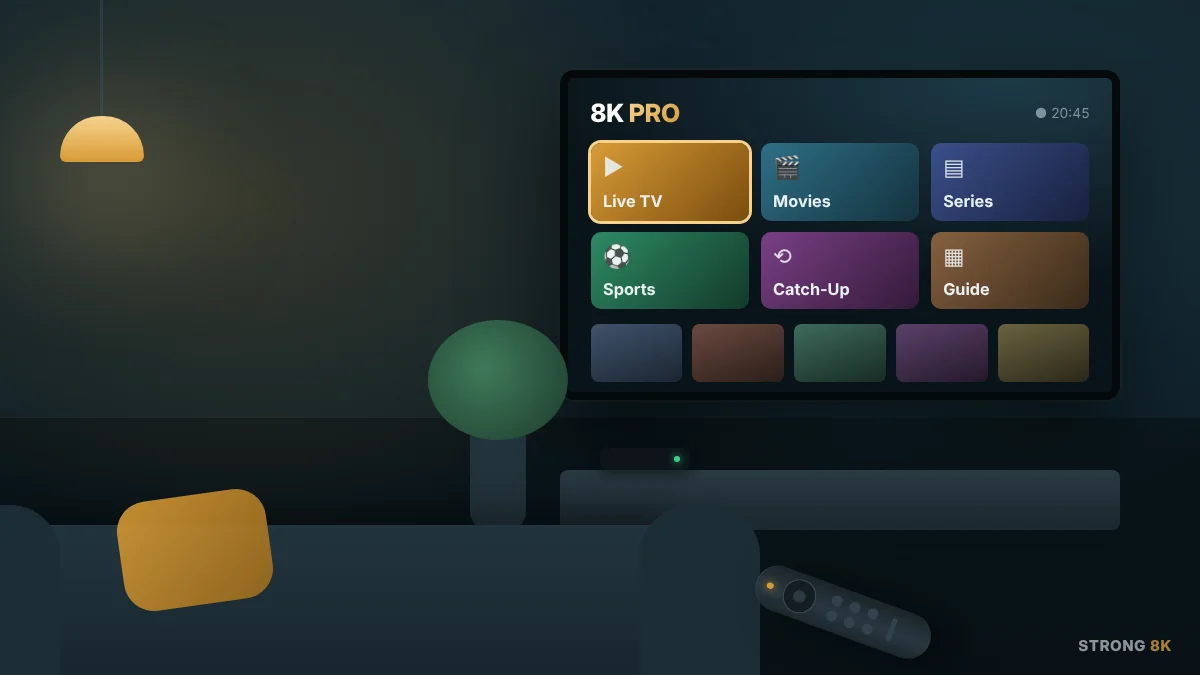
Before You Install the Strong 8K App
Setup usually takes less than five minutes when you have these ready.
Login details
Your Xtream Codes (username, password, server URL) or M3U link from your Strong 8K order.
Internet speed
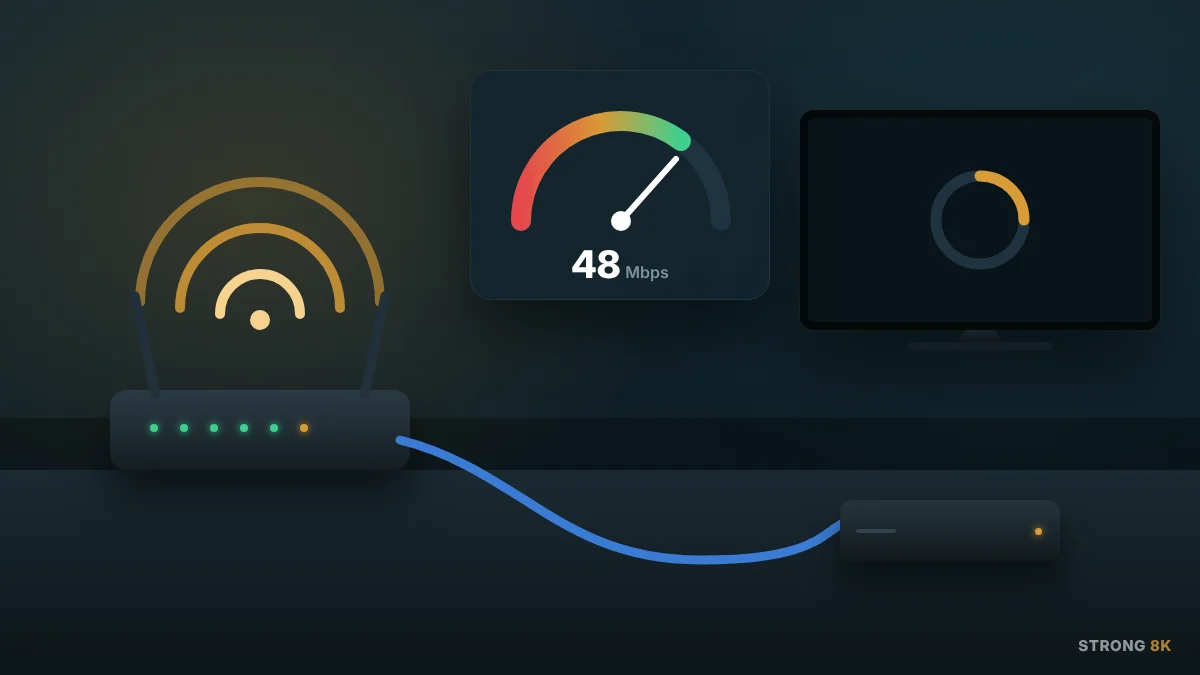
About 10 to 15 Mbps for HD, 25 Mbps or more for 4K. Ethernet or 5 GHz Wi-Fi works best.
Supported device
Firestick, Android TV, Smart TV, phone, tablet, PC or set-top box with an IPTV player.
Free storage
Keep around 200 MB free on Firestick and Android TV so the 8K Pro app installs and runs smoothly.
Set Up Strong 8K On Any Device
Find your device below for the right app and the quickest setup route.
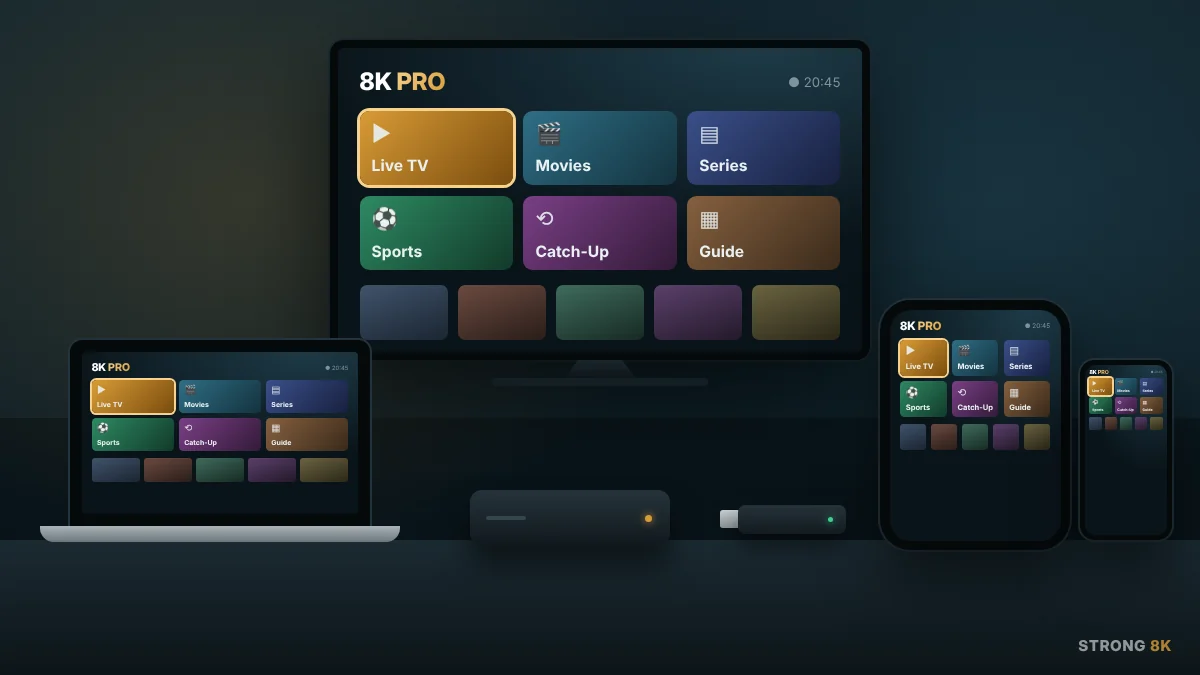
Amazon Firestick & Fire TV
- Install Downloader from the Amazon Appstore.
- Allow Downloader to install unknown apps.
- Enter code 1646512 and install 8K Pro.
- Sign in with your Strong 8K details.
Android TV & TV Box
- Install Downloader from Google Play.
- Enable unknown sources for Downloader.
- Enter 1646512 to get the 8K IPTV player APK.
- Open 8K Pro and log in.
Android Phone & Tablet
- Download the 8K Pro APK through Downloader, or install IPTV Smarters Pro / XCIPTV from Google Play.
- Allow installs from this source if prompted.
- Add your Xtream Codes or M3U link.
Samsung Smart TV
- Open the Samsung TV app store.
- Install a compatible IPTV player such as IBO Player or Smart STB.
- Note the MAC address shown in the app and send it to support, or enter your playlist details.
LG Smart TV
- Open the LG Content Store.
- Install a compatible IPTV player such as IBO Player.
- Activate with your MAC address or enter your connection details.
iPhone & iPad
- Install a compatible IPTV player such as IPTV Smarters Pro or GSE Smart IPTV from the App Store.
- Choose Xtream Codes or M3U.
- Enter your Strong 8K details.
Apple TV & Mac
- Install a compatible IPTV player from the App Store.
- Add your Xtream Codes or M3U playlist.
- Wait for channels and EPG to load.
Windows PC
- Install a compatible IPTV application for Windows.
- Choose the connection method provided with your plan.
- If Windows shows a publisher warning, confirm you downloaded it from a trusted source.
MAG, Formuler & Enigma2
- Send your device MAC address to Strong 8K support.
- Enter the portal URL you receive.
- Restart the box to load your channels.
How to Install the 8K Pro App
These steps install the Strong 8K app on Firestick, Fire TV and Android-based devices using the Downloader code.
Install Downloader
On compatible Fire TV or Android-based devices, search for Downloader (by AFTVnews) and install it.
Allow Unknown Apps
On Firestick go to Settings › My Fire TV › Developer Options › Install unknown apps and turn on Downloader. If Developer Options is missing, open Settings › My Fire TV › About and click your device name seven times.
Enter the 8K Pro Downloader Code
Open Downloader and enter 1646512, the current 8K Pro code supplied by Strong 8K, then press Go.
Download the App
Follow the on-screen instructions to download the 8K IPTV player APK installation package.
Install 8K Pro
Open the downloaded file and select Install. Once finished, you can delete the APK file to free up storage.
Open 8K Pro
Launch the app from Your Apps & Channels. Hold the Home button and choose Apps if you cannot see it.
Enter Your Strong 8K Details
Use the subscription information provided after purchasing your Strong 8K IPTV plan. Enter the details exactly as shown, with no extra spaces.
Start Watching
Once your account or playlist has loaded, browse live TV, sports, movies, series and VOD content.
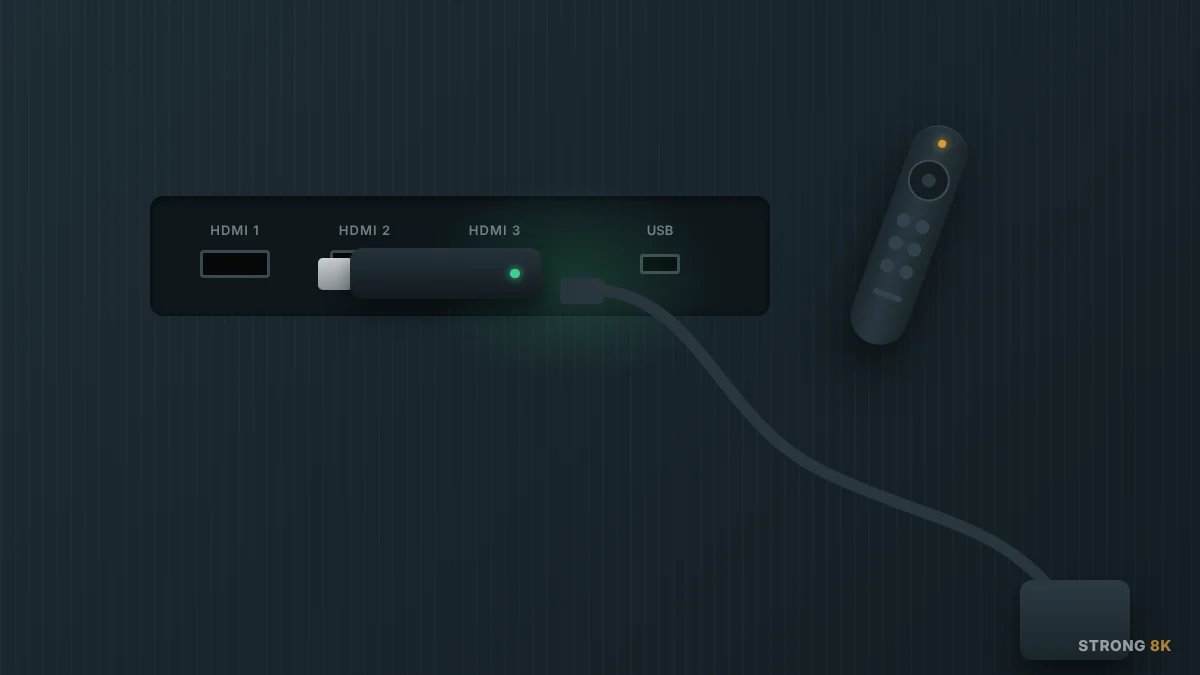
Best IPTV App for Strong 8K
8K Pro is the official Strong 8K app, but these IPTV players also work well with a Strong 8K subscription. Pick the best IPTV app for your device and how you prefer to log in.
| IPTV player | Best for | Devices | Login | Cost |
|---|---|---|---|---|
| 8K Pro (official) | Easiest Strong 8K setup | Firestick, Android TV, Android | Xtream, M3U | Free app |
| TiviMate | TV-style EPG and recording | Firestick, Android TV | Xtream, M3U | Free / Premium |
| IPTV Smarters Pro | Works on almost every device | Android, iOS, Firestick, Windows | Xtream, M3U | Free |
| IBO Player | Samsung and LG Smart TVs | Smart TVs, Android, Windows | MAC activation | Trial, then paid |
| XCIPTV | Simple, lightweight player | Android, Firestick | Xtream, M3U | Free |
| OTT Navigator | Custom layouts and catch-up | Android, Android TV | Xtream, M3U | Free / Premium |
| GSE Smart IPTV | iPhone, iPad and Apple TV | iOS, tvOS | Xtream, M3U | Free / in-app |
| Smart STB | MAG-style portal on TVs | Samsung, LG | Portal / MAC | Trial, then paid |
How to choose an IPTV player
Pick one that is available on your device’s official store, supports your login method and shows the EPG clearly.
For live sport
Use 8K Pro or TiviMate on a wired or 5 GHz connection for the most stable picture.
Keep apps updated
Third-party IPTV players are made by independent developers. Update them regularly for the best stability.
Strong 8K Login Methods
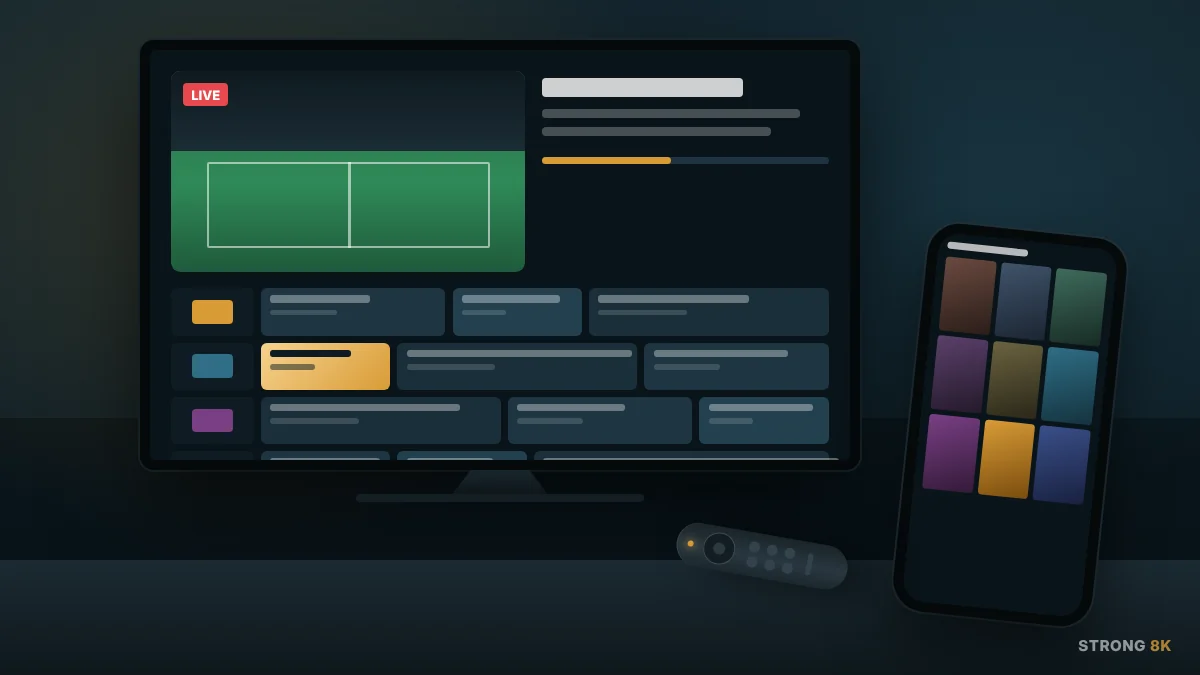
The 8K Pro app or another compatible IPTV player may support different connection methods. Use the login method supplied with your Strong 8K subscription.
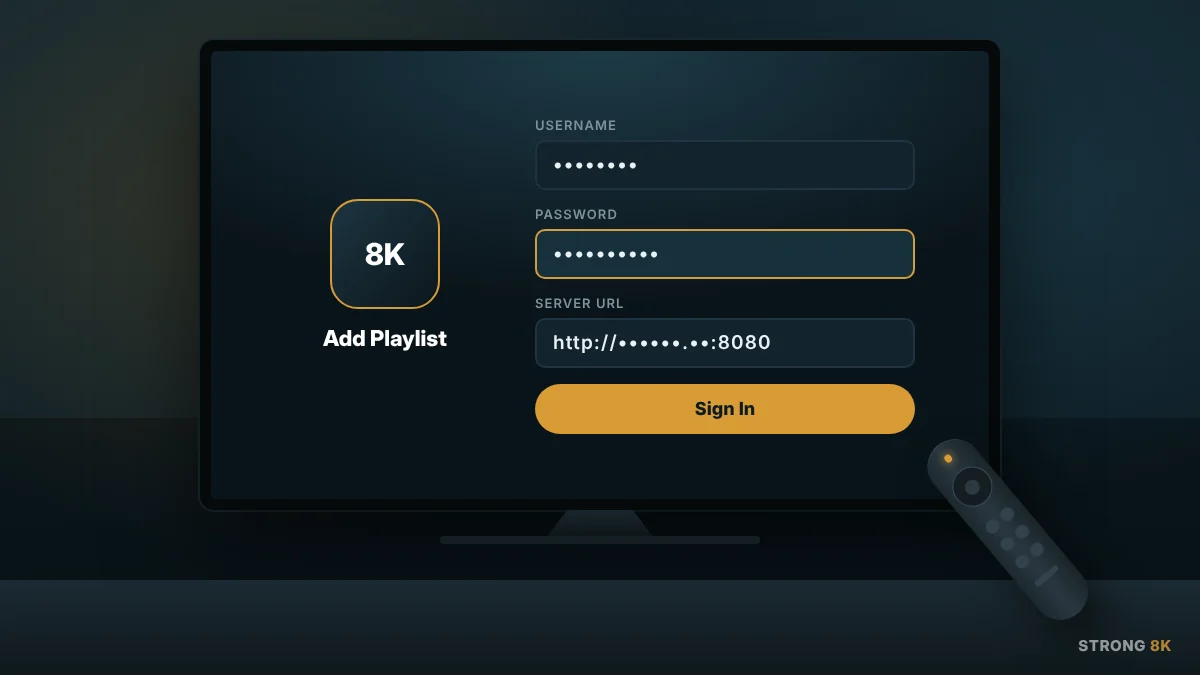
Xtream Codes
- Username
- Password
- Server or portal URL
Enter the details exactly as provided. This is the fastest login and loads EPG automatically.
M3U Playlist
- M3U playlist URL
- EPG URL, where applicable
Paste the full link into your IPTV player’s playlist field.
MAC Activation
- Device MAC address
- Device key (some apps)
Used by IBO Player, Smart STB and MAG boxes. Send the MAC to support and the playlist is added for you.
Strong 8K App & IPTV Player Features
Live TV
Browse available live channels.
VOD
Access available movies and series.
EPG
View programme information where supported.
Catch-Up
Access previously broadcast content where available.
Channel Categories
Organise channels for easier browsing.
Search
Find available channels and VOD content.
Favourites
Save frequently watched channels in supported players.
TV-Friendly Navigation
Use supported applications with a compatible remote control.
Common 8K Pro App Problems
Most Strong 8K app issues can be fixed in a few minutes.
The 8K Pro App Will Not Install
Check that your device supports the application, that unknown apps are allowed for Downloader, and that you have enough free storage.
The Downloader Code Does Not Work
Downloader codes can change. Check that you are using the latest 8K Pro code (1646512) and that Downloader is up to date.
Security Warning When Installing
Android and Windows show a warning for apps installed outside their store. This is normal for APK files from a trusted source like Strong 8K.
The App Opens but Shows No Content
The app is empty until you log in. Check your Strong 8K login information, subscription status and internet connection.
Strong 8K IPTV Is Buffering
Restart your router and streaming device, switch to Ethernet or 5 GHz Wi-Fi, and try changing the player’s decoder (HW, HW+ or SW).
EPG Is Not Showing
Check whether your IPTV player has loaded the correct EPG information, then refresh or update the EPG in settings.
Login Details Are Not Working
Recheck your username, password and server information. Avoid adding unwanted spaces and watch for capital letters.
MAC Activation Not Loading
Confirm the MAC address sent to support matches the one in the app, then restart the app after activation.
Picture Quality Is Low
Check your internet speed, choose the HD or 4K version of the channel, and close other apps using bandwidth.
What Strong 8K Customers Say
Real reviews left by Strong 8K customers on Google.
“Very good, an attentive and quick service. Value for money. I would rate it five star and feel anybody can deal with this company with confidence.”
Paul Mickey
October 2026 · Google review
“Best service, great customer service. I totally recommend.”
Alex Oros
October 2026 · Google review
“Great communication and service, a pleasure to deal with.”
Ian Harvey
September 2026 · Google review
“Yes, it’s good IPTV service, with polite and professional customer service support. And my only problem I have with it is that some films or sports that I was keep buffering or the screen just sticks. So then I have come out of it and go back in to it.”
Graham Roberts
October 2026 · Google review
“Just renewed for my 4th year, very few problems and if there is a problem they sort it straight away! I have tried just about every player available and this playlist works well with all of them, including TiviMate! Highly recommend.”
Tony Le Page
July 2026 · Google review
“Had issues loading the portal but one e-mail to Charlotte and she fixed the issue, we were up and running in less than half an hour. Thanks for your continued great service!”
Brian Parfery
May 2026 · Google review
“Great service and always there for advice.”
Wayne Tyler
2025 · Google review
Strong 8K App FAQs
What is the 8K Pro app?
The 8K Pro app is the official Strong 8K player, an IPTV application used on supported devices to access a compatible Strong 8K IPTV subscription.
What is the 8K Pro Downloader code?
The current 8K Pro Downloader code is 1646512. It is a short code used to access the 8K Pro installation package through the Downloader application.
Can I install 8K Pro on Firestick?
Yes. The 8K Pro app can be installed on supported Fire TV and Firestick setups using Downloader and the current code, after allowing Downloader to install unknown apps.
Where can I download the 8K IPTV player APK?
Use the Downloader code 1646512 on this page or ask Strong 8K support. Avoid APK files from unknown websites, as they may be outdated or modified.
Is the Strong 8K player free?
The 8K Pro app is free to install, but you need an active Strong 8K subscription or free trial to watch channels and VOD.
What is the best IPTV app for Strong 8K?
8K Pro is the easiest choice on Firestick and Android. TiviMate is great for a TV-style guide, IBO Player suits Samsung and LG Smart TVs, and IPTV Smarters Pro or GSE Smart IPTV work well on iPhone and iPad.
Can I use the Strong 8K app on Samsung or LG Smart TV?
8K Pro is an Android app, so on Samsung and LG TVs install a compatible IPTV player such as IBO Player or Smart STB from the TV’s app store and activate it with your MAC address or login details.
Does Strong 8K support M3U?
Yes. Strong 8K can be configured through an M3U-compatible IPTV player when an M3U playlist is provided with the subscription.
Does Strong 8K support Xtream Codes?
Yes. Compatible IPTV players can use Xtream Codes login details when this connection method is provided with your subscription.
Can I use Strong 8K on more than one device?
You can install the Strong 8K app on several devices, but the number of devices that can stream at the same time depends on your plan’s connection limit.
Do I need a VPN for the Strong 8K app?
A VPN is not required to install or use the Strong 8K app. Some users choose one for privacy, but it may reduce speed.
How long does it take to set up the 8K player?
Most installs take under five minutes. MAC-based Smart TV apps can take a little longer while activation is completed.
Need Help Installing 8K Pro?
Having trouble with the Downloader code, app installation or IPTV player setup? Our support team can help.
Contact us directly on WhatsApp for quick assistance. +44 7463 012833
Message us on WhatsApp →Send your question by email for subscription, setup or general support. [email protected]
Send us an email →8K Pro and other IPTV players listed are third-party applications. Strong 8K provides the subscription service only. Channel and VOD availability may vary.