
Best IPTV Player Apps for Firestick in 2026

The Firestick is the most popular way to watch IPTV, but the player app you install makes a big difference to how smooth, fast and easy it feels. This guide explains what to look for in a Firestick IPTV app, compares the players our customers use most, and shows you how to install one in about ten minutes.
Quick answer: for the easiest setup, use the Strong 8K app. If you like customising your TV guide, try TiviMate. On older Firestick models, a lightweight player usually runs faster.
What makes a good IPTV app on Firestick
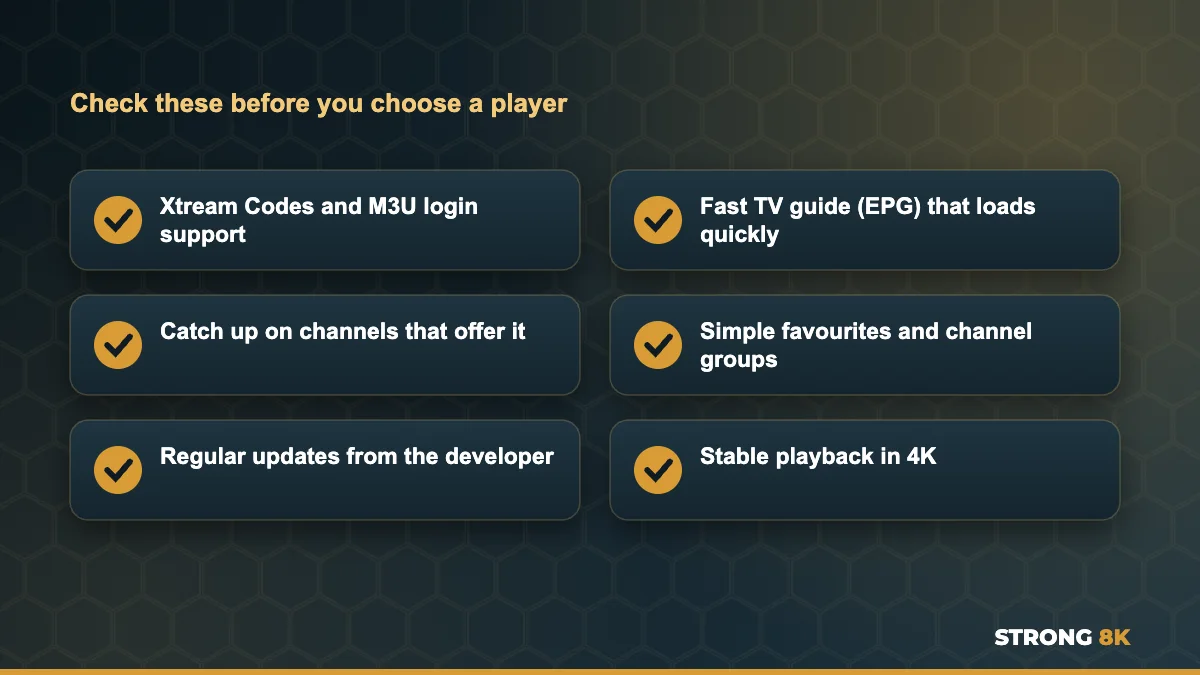
- Support for Xtream Codes logins and M3U playlists
- A fast TV guide (EPG) that loads quickly
- Catch up support on channels that offer it
- Simple favourites and channel groups
- Regular updates and stable playback in 4K
The player is only the screen you watch on. Your channels, movies and series come from your subscription, so you can try different players with the same Strong 8K login and keep the one you like. With a multi device plan you can even use a different player on each screen and watch IPTV on two TVs at the same time.
Best IPTV player apps for Firestick compared
| Player | Best for | Login type | Cost |
|---|---|---|---|
| Strong 8K app | The simplest setup with Strong 8K | Strong 8K login | Free |
| TiviMate | A customisable TV guide and recordings | Xtream Codes or M3U | Free, some features paid |
| Smarters style players | A simple all in one menu | Xtream Codes | Usually free |
| XCIPTV and lightweight players | Older Firestick models with less memory | Xtream Codes or M3U | Usually free |
1. The Strong 8K app
Our own player is built to work with Strong 8K logins straight away, with the TV guide, catch up and channel groups set up for you. It is the easiest option if you just want to sign in and watch, and our support team knows it inside out, so help is quick if you ever need it. See the Strong 8K app (8K Pro) page for download and setup steps.
2. TiviMate
TiviMate is a favourite with users who want a clean TV guide layout, recording options and strong customisation. Some advanced features need a paid upgrade inside the app. It works with Xtream Codes and M3U logins. TiviMate suits people who like to organise their own channel groups and want a guide that looks like traditional TV.
3. IPTV Smarters style players
Smarters style players are simple to use and support Xtream Codes logins, which makes them a common first choice. They include live TV, movies and series sections in one menu. Because there are many versions from different sources, always install from a trusted link and keep the app updated. If a login fails in one of these players but works in the Strong 8K app, the problem is usually the player version, not your account, and you can contact Strong 8K IPTV support to check.
4. XCIPTV and similar lightweight players
Lightweight players are a good choice on older Firestick models with less memory, because they open quickly and use fewer resources. If your Firestick feels slow or apps keep closing, a lighter player can make a big difference. The same players also run well if you install IPTV on Android TV and Google TV.
Not sure which player suits your Firestick? Tell us your model and we will recommend one.
Ask Our TeamHow to install an IPTV app on Firestick
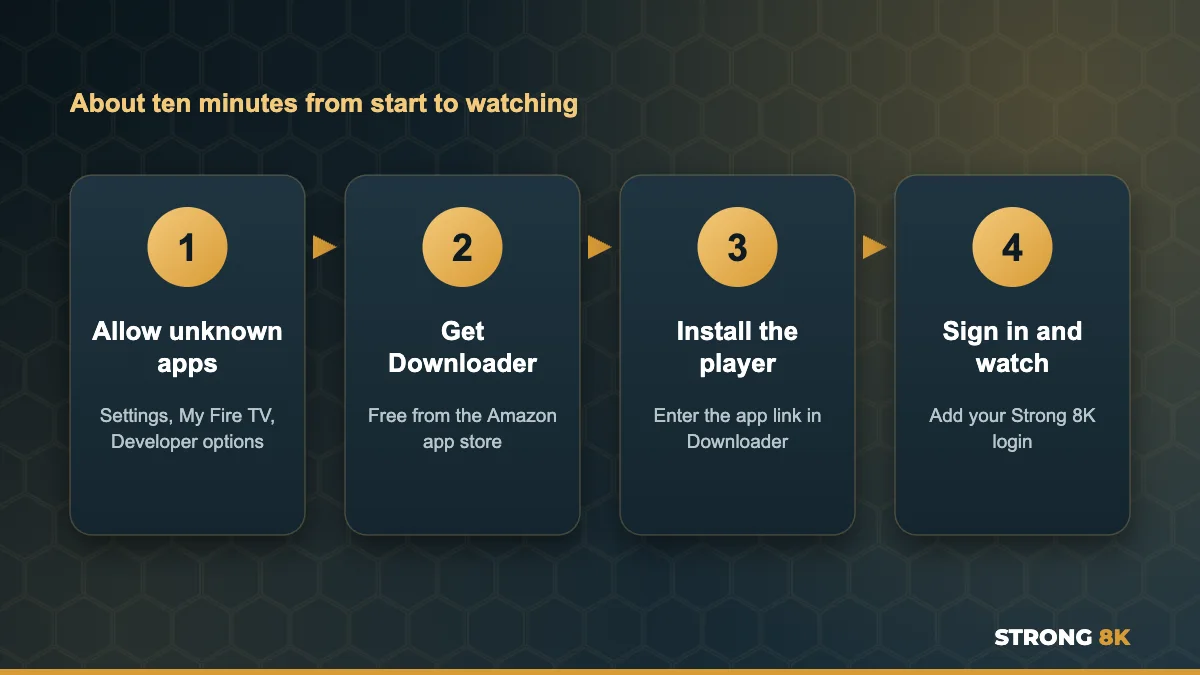
- Go to Settings, My Fire TV, Developer options and allow apps from unknown sources
- Install the free Downloader app from the Amazon app store
- Enter the player download link in Downloader and install it
- Open the player, add your Strong 8K login and start watching
Our step by step guide to install IPTV on Firestick walks through every screen. If you see “Parse Error, there was a problem parsing the package” during install, the file did not download fully or is not made for your Fire OS version, so delete it and download it again from the official link.
Tips for the best experience on Firestick
- Keep at least 500 MB of free storage so apps do not crash
- Clear the app cache every couple of weeks
- Use an Ethernet adapter for a steadier connection
- Unplug the Firestick once a week to clear its memory
Still seeing buffering? Our guide on how to stop IPTV buffering covers nine fixes that work on Firestick.
Which one should you pick?
If you want the simplest setup, start with the Strong 8K app. If you like customising your TV guide, try TiviMate. Because every player uses the same Strong 8K login, you can try more than one during your 24 hour IPTV free trial and keep the one you like. Watching outside the UK? Find local tips on Strong 8K IPTV by country.
Buying a new Firestick? Some new models run Vega OS and cannot install these players. Read why new Fire TV Sticks will not install IPTV apps and see which Firestick to buy for IPTV before you order.
Frequently Asked Questions
What is the best IPTV app for Firestick?
For Strong 8K customers, the Strong 8K app is the easiest because it works with your login straight away. TiviMate is a popular choice if you want more customisation.
Is the Strong 8K app free?
Yes. The app is free, and you only pay for your Strong 8K subscription.
Can I use more than one IPTV app on my Firestick?
Yes. You can install several players and use the same login in each, as long as you only watch on as many screens as your plan allows.
Why does my IPTV app keep closing on Firestick?
Usually low storage or memory. Free up space, clear the app cache, or try a lightweight player on older Firestick models.
What does Parse Error mean when installing an IPTV app?
The app file did not download fully or is not compatible with your Fire OS version. Delete it and download it again from the official link.