

IBO Player “Trial Period Expired” With Strong 8K? What It Means and What to Do
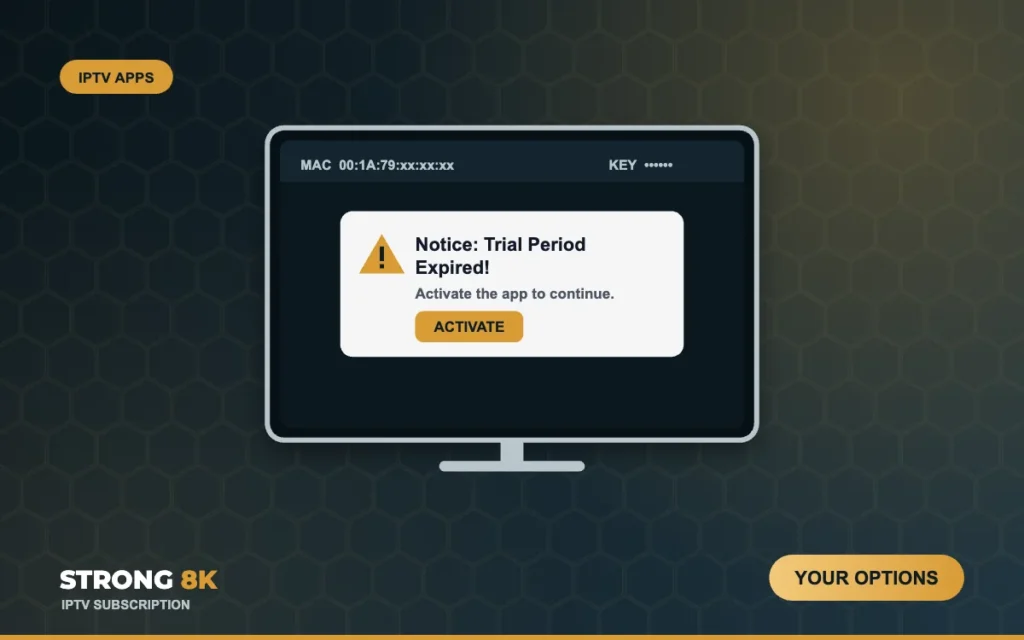
You turn on the TV, open IBO Player and instead of your channels you see “Notice: Trial Period Expired!” Many customers message us in a panic at this point, thinking their Strong 8K subscription has ended. It has not. This message comes from IBO Player, a separate app made by a separate company, and it means the free trial of that app has finished. Your channels, movies and series are still active and waiting for you.
Quick answer: your Strong 8K plan is fine. Either activate IBO Player on its official website using the MAC address and device key on your screen, or switch to the free Strong 8K app, which takes your login directly with no activation fee.
Why You See “Trial Period Expired”
IBO Player is a media player. It does not include any channels of its own. You add your Strong 8K playlist to it, and it plays what your subscription provides. Like many TV player apps, it is free to try for a limited period, and after that it asks for its own activation fee to keep working. When the trial ends, the app locks itself until it is activated, whatever subscription you have added to it.
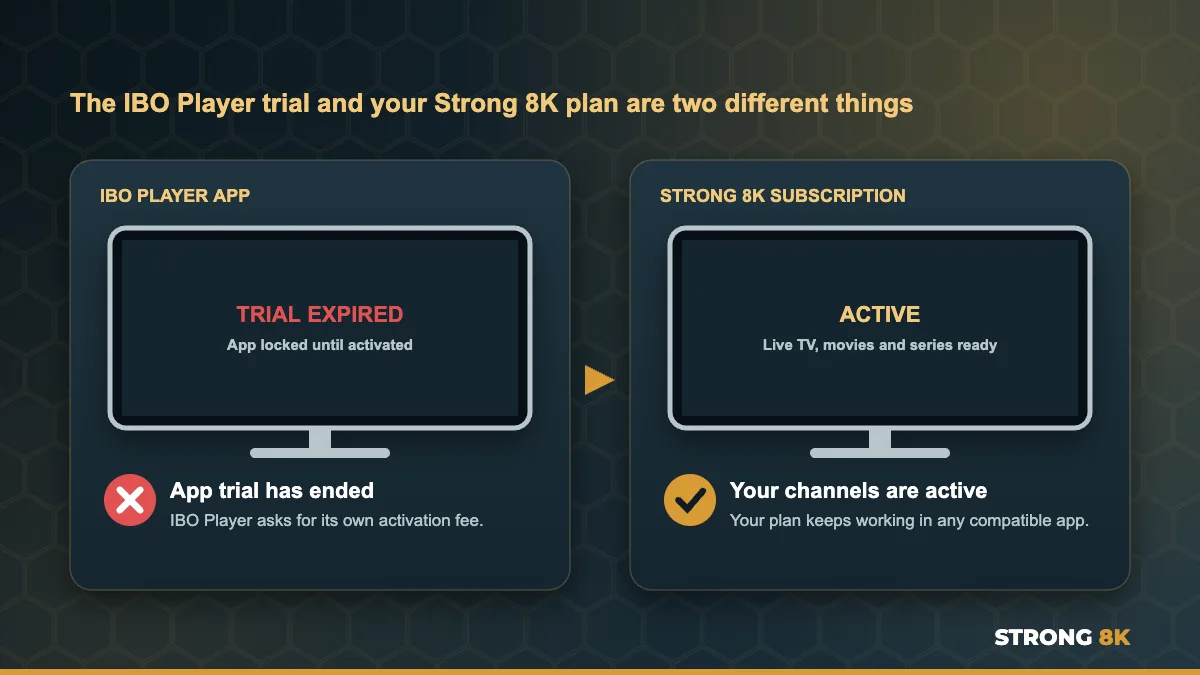
| IBO Player app | Strong 8K subscription | |
|---|---|---|
| What it is | A player app made by another company | Your channels, movies and series |
| Who you pay | IBO Player, on its own website | Strong 8K |
| What the message means | The app trial has ended | Not affected |
| Works in other apps? | Only on the TV it is activated for | Yes, in any compatible player |
Your Three Options
Option 1: Activate IBO Player
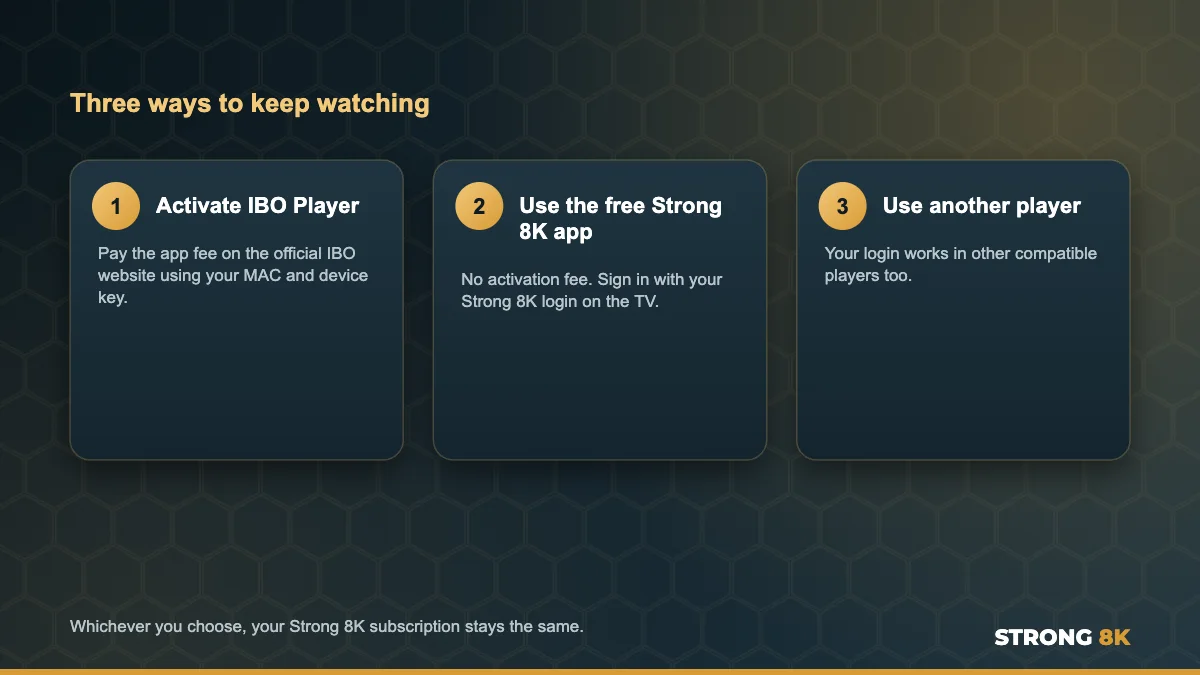
If you like IBO Player and want to keep using it, activate it on the official IBO Player website. You will need the MAC address and device key shown on the app home screen. Activation is tied to that TV, so a second TV needs its own activation. Prices and plans are set by IBO Player and can change, so check the official site before you pay.
- Write down the MAC address and device key from the app home screen
- Go to the official IBO Player website on your phone or computer
- Choose the activation option and enter your MAC address
- Complete the payment, then close and reopen IBO Player on the TV
Only pay on the official website. Copycat sites and sellers on social media sometimes offer cheap activations that never work.
Option 2: Use the Free Strong 8K App
The Strong 8K app (8K Pro) is free, has no trial and no activation fee, and you sign in with your Strong 8K details directly on the TV, with no website step and no MAC address. It is built for our service and fully supported by our team, so it is the simplest way to keep watching straight away.
Option 3: Use Another Player
Your Strong 8K login is a standard IPTV login, so it works in many players. Some are free, and some have their own fees like IBO Player. Our list of the best IPTV player apps for Firestick compares the most popular choices.
Want to switch to the free Strong 8K app? Tell us your TV model and we will send you the easiest way to install it.
Switch for FreeAlready Activated but Still Seeing the Message?
If you paid for activation and the message is still there, check these points:
- Close and reopen the app. The app checks the activation when it starts.
- Check the MAC address. A TV has one MAC for Wi-Fi and another for a network cable. If you switched connection, the app shows a different MAC that is not activated. Switch back, or contact IBO Player about the new address.
- Check you activated the right app. IBO Player and IBO Player Pro are different apps with separate activations.
- Allow a little time. Some activations take a few minutes to go through.
The MAC address issue also causes playlists to disappear, which we explain in our guide to a Strong 8K IPTV playlist not loading on IBO Player.
How to Tell if Your Strong 8K Plan Has Really Expired
An expired Strong 8K plan looks different. Instead of the IBO trial notice, every app on every device shows a login or account error. If you are not sure, try your login in the Strong 8K app or message our team, and we will check your account in a minute. You can see renewal options on the IPTV subscription page, and our guide to fix Strong 8K IPTV login failed errors explains the difference.
Not sure whether it is the app or your plan? Send us a photo of the message and we will tell you in a minute.
Check My AccountFrequently Asked Questions
Does Trial Period Expired mean my Strong 8K subscription has ended?
No. It means the free trial of the IBO Player app has ended. Your Strong 8K channels are still active and work in other compatible apps.
Do I have to pay to keep using IBO Player?
Yes, IBO Player charges its own activation fee after the trial. You pay IBO Player directly on its official website, not Strong 8K.
Is there a free alternative to IBO Player?
Yes. The Strong 8K app (8K Pro) is free with your subscription and has no activation fee.
Why does IBO Player still say trial expired after I paid?
Close and reopen the app, check the MAC address has not changed between Wi-Fi and cable, and make sure you activated the same app you are using.
Does one IBO activation work on all my TVs?
No. Activation is linked to the MAC address of one device, so each TV needs its own activation.
Get Back to Watching
The trial notice is about the app, not your Strong 8K plan. Activate IBO Player, or switch to the free Strong 8K app and keep watching straight away. For other problems, see our complete Strong 8K IPTV troubleshooting guide, or contact Strong 8K IPTV support.