
Strong 8K App Stuck on the Loading Screen? How to Fix It

You open the Strong 8K app and it stays on the logo, or the loading bar creeps along and never reaches the end. This guide is for the Strong 8K app (8K Pro) specifically. Because the app is built for our service, a stuck loading screen almost always comes down to one of a few things: the first download is still running, the login details have a small error, or the device needs a clean restart and some free space.
Quick answer: on a first sign in, give the app a few minutes to finish loading. If it stays stuck, unplug the device for 30 seconds, clear the app cache, check you have at least 500 MB of free storage, and make sure you have the latest version of the app from our app page.
What the App Loads When You Sign In
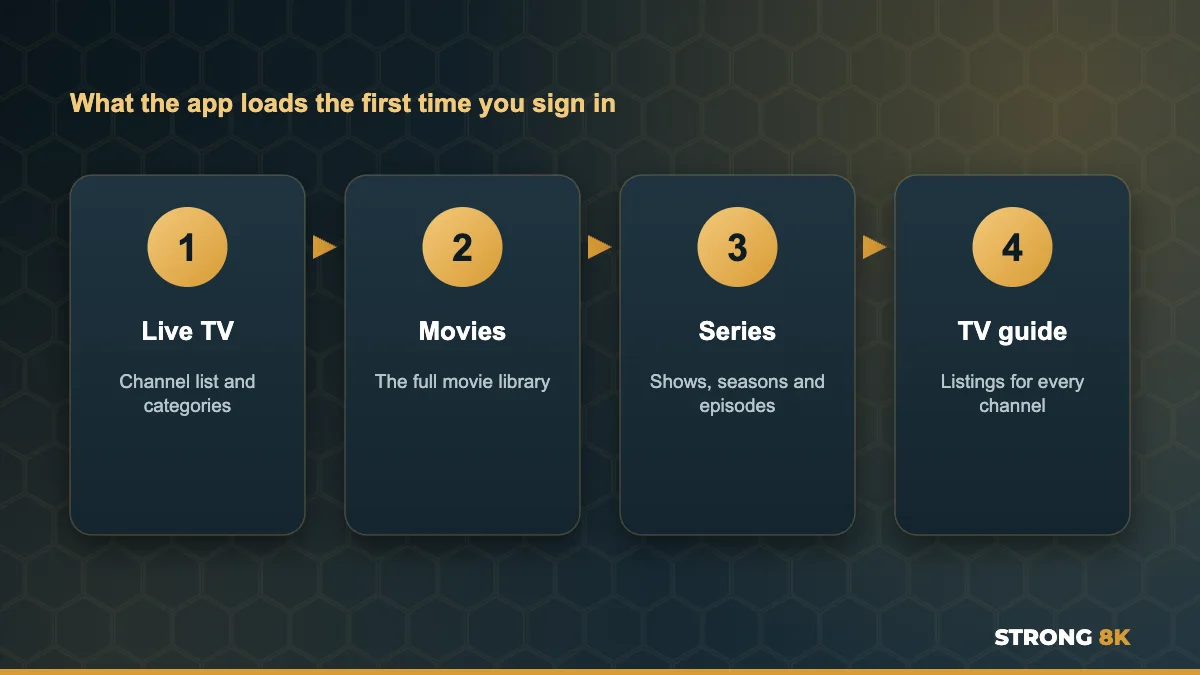
The first time you sign in, the app downloads everything your subscription includes: the live channel list, the full movie library, every series and the TV guide. That is a lot of information, so the first load takes much longer than the ones after it. On an older Firestick or a slow connection it can take a few minutes.
1. Wait for the First Load to Finish
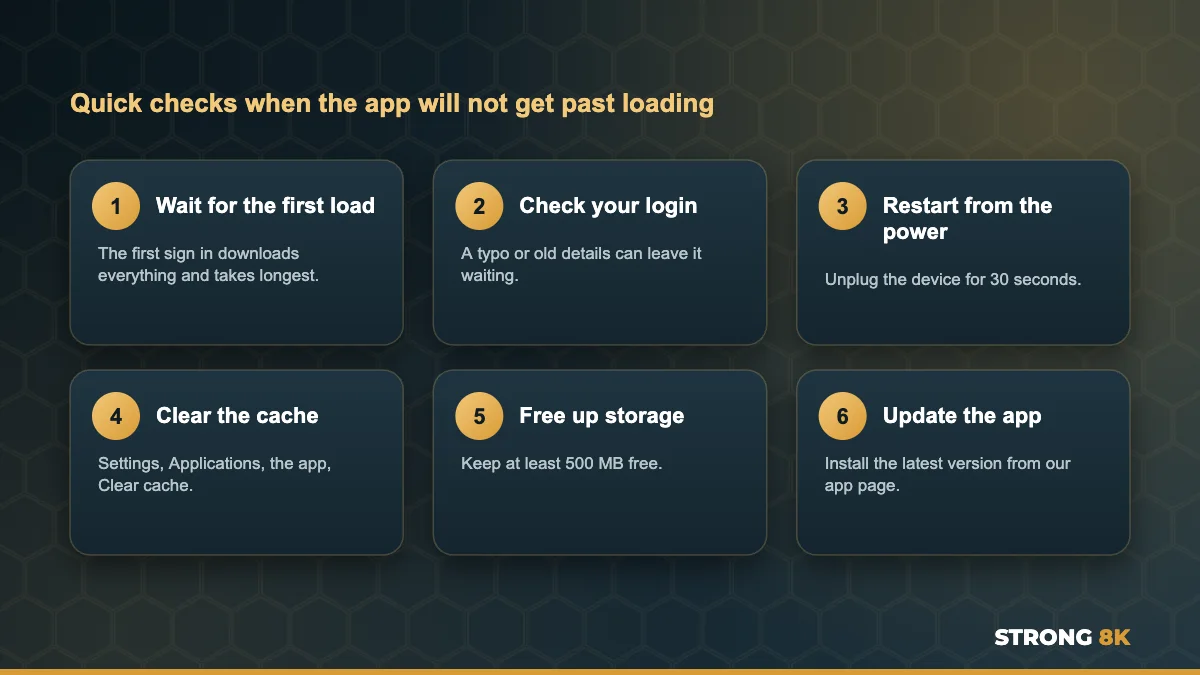
Leave the app open on the loading screen for up to five minutes on a first sign in, or after clearing the app data. Closing it halfway starts the download again. Later openings are much quicker because the app keeps the list and only checks for changes.
2. Check Your Login Details
If a detail is wrong, the app can sit waiting for an answer that never comes. Sign out and sign in again, typing your username and password exactly as in your Strong 8K login message. Usernames and passwords are case sensitive, and TV keyboards often add a space at the end. Our guide to fix Strong 8K IPTV login failed errors has the full checklist.
3. Restart the Device From the Power
A device left in standby for days slowly fills its memory, which makes the app slow to start. Unplug your Firestick, box or TV for 30 seconds, plug it back in and open the app. On Firestick you can also go to Settings, My Fire TV, Restart.
4. Clear the App Cache
On Firestick and Android TV go to Settings, Applications, Manage Installed Applications, choose the Strong 8K app, then Force stop and Clear cache. Your login stays saved. If the app still will not load, use Clear data instead, then sign in again and let the first load finish.
App still stuck on loading? Send us a photo of the screen and your device model, and our team will get you watching.
Get Help Now5. Free Up Storage
The app needs room to save the channel, movie and series lists. With less than 500 MB free, it can stall part way through. Check your space under Settings, My Fire TV, About, Storage, uninstall apps you no longer use, and clear the cache of large apps.
6. Update to the Latest Version
We update the app to keep it fast and compatible with new devices. An old version can get stuck after a system update. Uninstall the app, restart the device, and install the latest version using the link on our Strong 8K app (8K Pro) page. If the install itself fails with a parse error, our guide to the Firestick parse error explains why.
7. Check Your Internet Connection
A slow or blocked connection makes the first load crawl or stop. Test another streaming app on the same device and restart your router. If the app loads on a phone hotspot but not on home Wi-Fi, your provider or router may be blocking it, which our guide to fix Strong 8K IPTV no connection errors covers step by step.
8. Close the App on Other Devices
If your plan covers one screen and the app is running on a phone or another TV, the new device can struggle to connect. Close the app fully everywhere else, wait a minute and try again. If more people in your home watch at once, our guide to watch IPTV on two TVs at the same time explains multi screen plans.
Quick Checklist
| Where it gets stuck | Most likely cause | First fix |
|---|---|---|
| On the logo, before any loading bar | Device memory or old app version | Restart from the power, update the app |
| Loading bar moves very slowly | First load on a slow device or connection | Wait up to five minutes |
| Loading bar stops part way | Low storage or interrupted download | Free storage, clear cache, try again |
| Loads, then returns to the sign in screen | Login details or account | Check the details, message our team |
Frequently Asked Questions
Why is the Strong 8K app stuck on the loading screen?
Usually the first download is still running, the login has a small error, or the device needs a restart and free storage. Wait a few minutes, then restart, clear the cache and check your details.
How long should the Strong 8K app take to load?
The first sign in can take a few minutes because it downloads live TV, movies, series and the guide. After that it usually opens in seconds.
Will clearing the cache log me out of the Strong 8K app?
No. Clearing the cache keeps your login. Clearing data does remove it, so you will need to sign in again.
Where do I get the latest Strong 8K app?
Use the link on our Strong 8K app (8K Pro) page, or message our team and we will send it to you.
Does a stuck loading screen mean my subscription has expired?
Not usually. An expired plan shows a login or account message. If you are unsure, our team can check your account in a minute.
Get Back to Watching
Give the first load time, restart from the power, clear the cache and keep the app updated, and it should open in seconds. For other problems, see our complete Strong 8K IPTV troubleshooting guide, or contact Strong 8K IPTV support.